

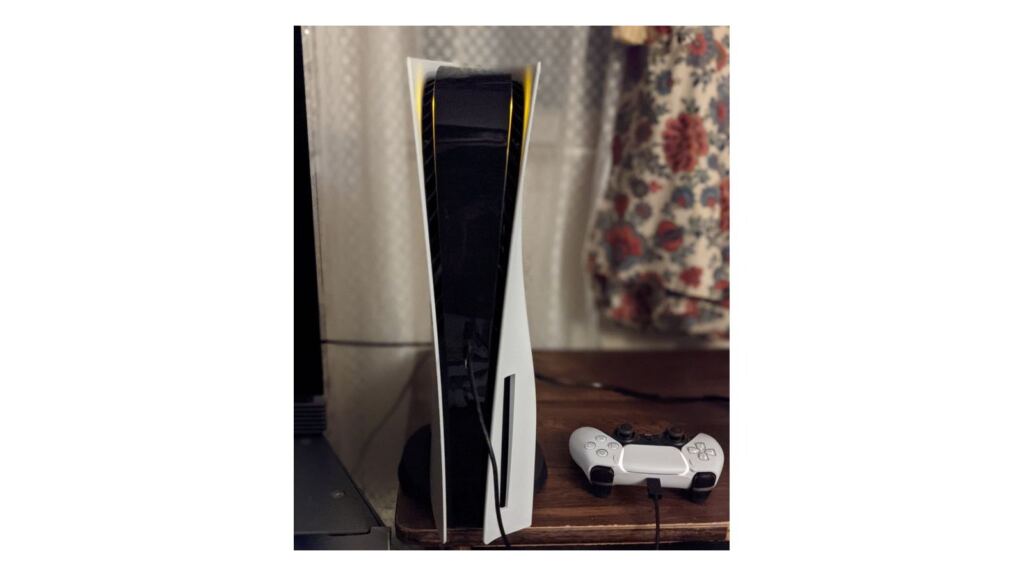
Anyone who lived through that era remembers that switching consoles was simple: you took the cartridge out of one, put the old console back in its box and that was it. In the PlayStation 5 generation, the change involved an online account, downloads and saves in the cloud, so Sony put together a little course. On November 5, 2020, a week before launch, the PlayStation Support channel published videos explaining how to set up the console and bring PS4 data over to the PS5. The videos are in English, and the tip at the time was to turn on the Portuguese subtitles in YouTube’s settings.

The first, “PS5 – Recommended Settings”, goes through the console’s recommended settings. The second, “PS5 – Using Your Account”, explains the main PlayStation Network account options on the device.

The third, “PS5 – Transferring Data From Your PS4 Console”, was the most anticipated by those with a large library. Sony promised that the PS5 would run more than 99% of the more than 4,000 PS4 games. Downloaded, compatible PS4 games show up in the PS5 library, ready to download again, and can also be copied over Wi-Fi or via a USB external drive. Saved files follow the same path or can be recovered from cloud storage, so nobody loses progress.
There were limits, and they’re worth remembering: PS4 games could run directly from an external drive, but PS5 games had to be on the internal storage, 825 GB, of which 667 GB is free for games.
What came next
The PS5 came out on November 12, 2020 in the United States and Japan and on November 19 in the rest of the world, including Brazil. Over time, system updates expanded these options: in April 2021, it became possible to store PS5 games on an external drive; in September 2021, internal expansion with an M.2 SSD was released; and in March 2023, update 7.00 brought data transfer between two PS5 consoles.
Where to buy
Source: PlayStation.

 Zé Cartucho


Comments (0)
Be the first to comment.